
What can you do with EventfullyManaged?
From a birthday party to a multi-day conference — planning, team milestones, invitations and tickets, the day itself, kiosk feedback without login and what guests take home. Pick a persona and follow the story. These are illustrative scenarios, not real customers.
Showing 39 use cases

Every Kind of Event
Plan a wedding with the family and every vendor on one plan
Run a multi-day wedding — mehendi, sangeet, ceremony and reception — with the couple, both families and every vendor working from one plan of milestones, checklists and due dates.

Every Kind of Event
Host a birthday party in minutes, without a spreadsheet
Start a birthday party from a template, send one invite link, track RSVPs by family and tick off a short checklist — the same platform, with only the parts a small event needs.

Every Kind of Event
Run a company kickoff or offsite across every team that builds it
Coordinate HR, internal communications, IT, finance, the agency and the venue on one plan for a company kickoff or offsite, then give every employee a personal agenda on the day.

Every Kind of Event
Stream digital and hybrid events with HookMovies
Run sessions in the room and online from the same programme, with video production and streaming through HookMovies and recordings delivered to every attendee afterwards.

Planning & Logistics
Stand up an event and a full programme in an afternoon
Create an event with its dates, venue and description, then build a multi-track programme — sessions, time slots, speakers and rooms — that every other part of the platform builds on.

Planning & Logistics
Plan venues, floor plans and capacity before the doors open
Model the venue — halls, rooms, floor plans and capacities — so sessions are assigned to the right spaces, registration stops at the limit and guests join a waitlist instead of a crush.
Planning & Logistics
Coordinate speakers, performers and suppliers in one place
Keep speakers, performers and suppliers in one directory with their bios, sessions, deliverables and deadlines, so nothing lives in a scattered inbox.

Planning & Logistics
Give sponsors attributed leads they can take to renewal
Track sponsor tiers, contract values and deliverables, capture leads at the booth and hand each sponsor a report of what their sponsorship delivered.

Planning & Logistics
Run an exhibition floor with booths, exhibitors and leads
Allocate booths on the floor plan, collect exhibitor details and give each exhibitor the leads scanned at their stand.

Teams, Milestones & Vendors
Coordinate every team with milestones, checklists and due dates
Split the event into workstreams with milestones, targets, checklists, owners and due dates, so every team sees its part and the director sees what is about to slip.

Teams, Milestones & Vendors
Bring vendors, agencies and co-hosts into the plan
Invite caterers, decorators, photographers, AV crews, agencies and family co-hosts as external collaborators who see and update only the work assigned to them.

Invitations, RSVPs & Tickets
Let a household RSVP for the whole family in a minute
Invite guests by household so one person can answer for the whole family — who is coming to which function, meal choices and accessibility needs — without creating an account.
Invitations, RSVPs & Tickets
Sell tiered tickets with promo codes and instant confirmations
Define ticket types with their own prices, quantities and sale windows, create promo codes for partners, and let attendees buy and get a QR confirmation instantly.
Invitations, RSVPs & Tickets
Let attendees manage their own registration
Give attendees a self-service space to update their details, transfer a ticket, choose sessions, download receipts and get their badge — cutting the support load on your team.

Run the Day
Check guests in fast with QR, NFC and badges on demand
Check guests in by QR code, NFC badge or name search at staffed stations or self-serve kiosks, print badges on demand and watch arrivals update live.

Run the Day
Track who attended which session and keep rooms within capacity
Scan attendees into individual sessions to know who attended what, enforce each room’s capacity and move waitlisted attendees in as seats free.

Kiosk Mode
Collect feedback and surveys at the venue — no login needed
Put a kiosk by the exit, at a session door or at a booth, and let anyone at the event give feedback, answer a survey or fill in a form without a username or password.

Kiosk Mode
Capture how people feel, live, from the room
Let guests share how they feel with a one-tap mood check-in at a kiosk, and see the mood of each session and zone roll up live — with camera mood reading only as an opt-in.

Kiosk Mode
Let guests identify themselves at a kiosk with QR, NFC or biometrics
Guests can choose to scan their QR code, tap an NFC badge or use a consented biometric match at a kiosk so their answers, check-ins and forms are saved to their own record for that event.

Kiosk Mode
Set up kiosks and map each one to its owner and purpose
Register each kiosk for an event, place it on the venue map, assign the person responsible and choose what it collects — and map guests’ identifiers so answers reach the right record.

Participant Experience
Put the whole event in every attendee’s pocket
Give attendees an installable app with their personal schedule, the venue map, notifications and a digital badge — no app-store download required.
Participant Experience
Send the right message at every stage of the event
Draft announcements and multi-step campaigns and send them across the event lifecycle — invitations, reminders, day-of logistics and thank-yous — to the right segment of guests.

Participant Experience
Turn a passive audience into an active one
Help attendees find and meet the right people with opt-in networking profiles, suggested matches and booked meetings, and engage the room with live polls and moderated Q&A.

Participant Experience
Give every participant something to keep
After each event, participants keep the recordings, photos, certificates, notes and contacts they collected, in a personal history of every event they attended.

AI Native
Describe the event in a sentence and get a draft plan
Type what the event is — type, guests, place, date and format — and EventfullyManaged drafts the plan: sub-events, workstreams, a milestone schedule, a checklist, budget lines, vendor categories and a guest-list structure.

AI Native
Plan smarter with suggestions that explain themselves
Get suggestions to balance tracks and resolve schedule conflicts, and give every attendee personalised session recommendations — each with the reason behind it.
AI Native
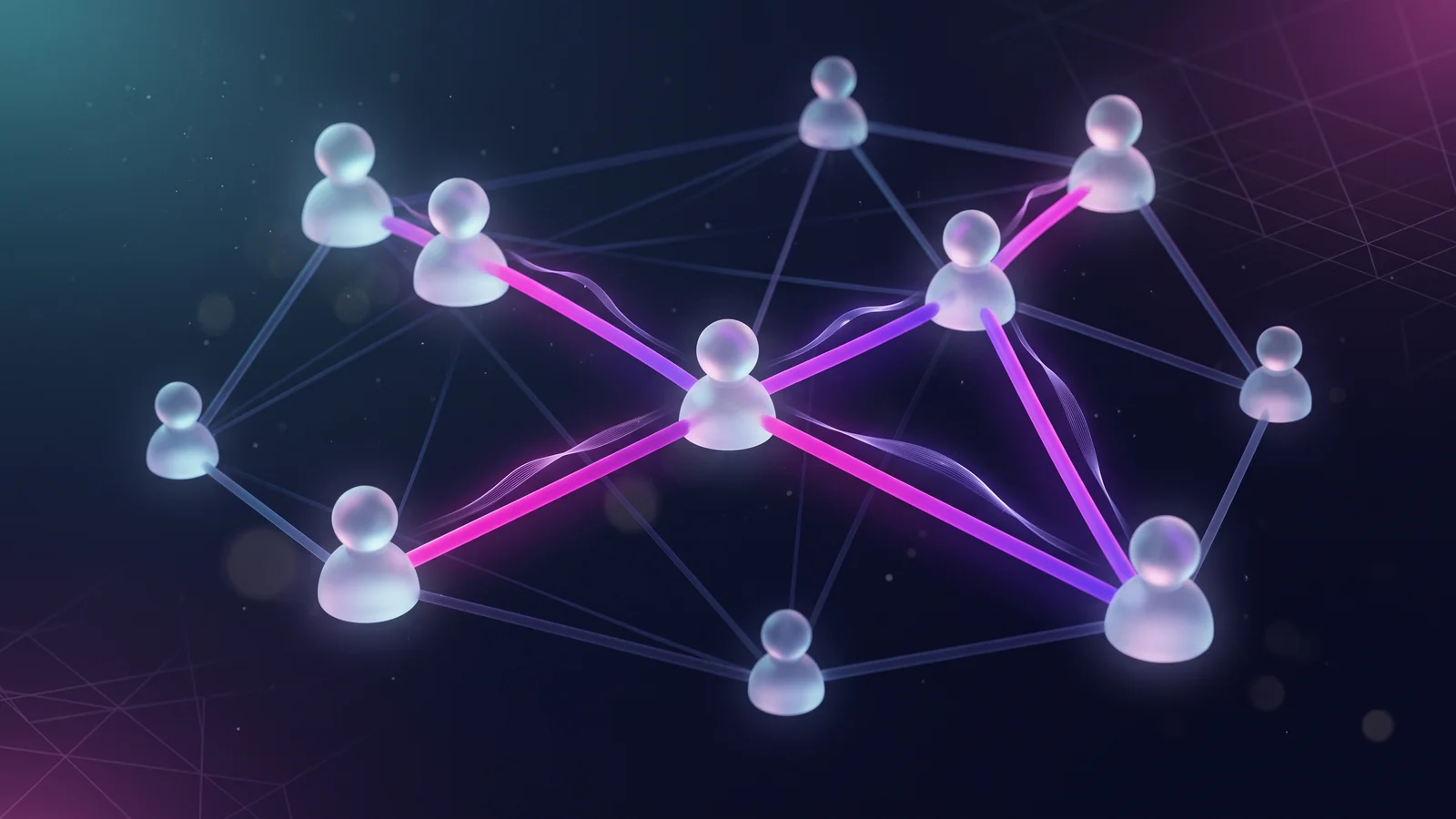
Suggest who should meet — and say why
Score everyone who opted into networking and suggest the strongest introductions, each with the shared interests, complementary fit and industry that earned it.

AI Native
Catch the double-booked room before the programme goes out
Check the whole programme for two sessions in one room at the same time or one speaker due on two stages, and get suggested fixes you approve.

AI Native
Ask the console instead of hunting through it
Ask questions about your event in plain language — registrations, RSVPs, milestones, kiosk feedback — and get answers from your own event data with their sources, bound by your permissions.

AI Native
Let your own AI client help run the event back office
Connect the AI client you already use to EventfullyManaged through the MCP server and let it work with events, sessions, guests, tickets, check-in, sponsors and vendors — with your permissions and a person confirming anything destructive.

AI Native
Right-size rooms, catering and staff before registration closes
Forecast how many invitees or registrants will actually arrive, per event and per session, and turn that into room, catering and staffing decisions.

AI Native
A brief at T-30, T-7 and T-1 — and a watch on the door
Get a brief a month, a week and a day before the event that leads with what needs attention, and live alerts during the event when check-ins, kiosks or feedback drift from the plan.
AI Native
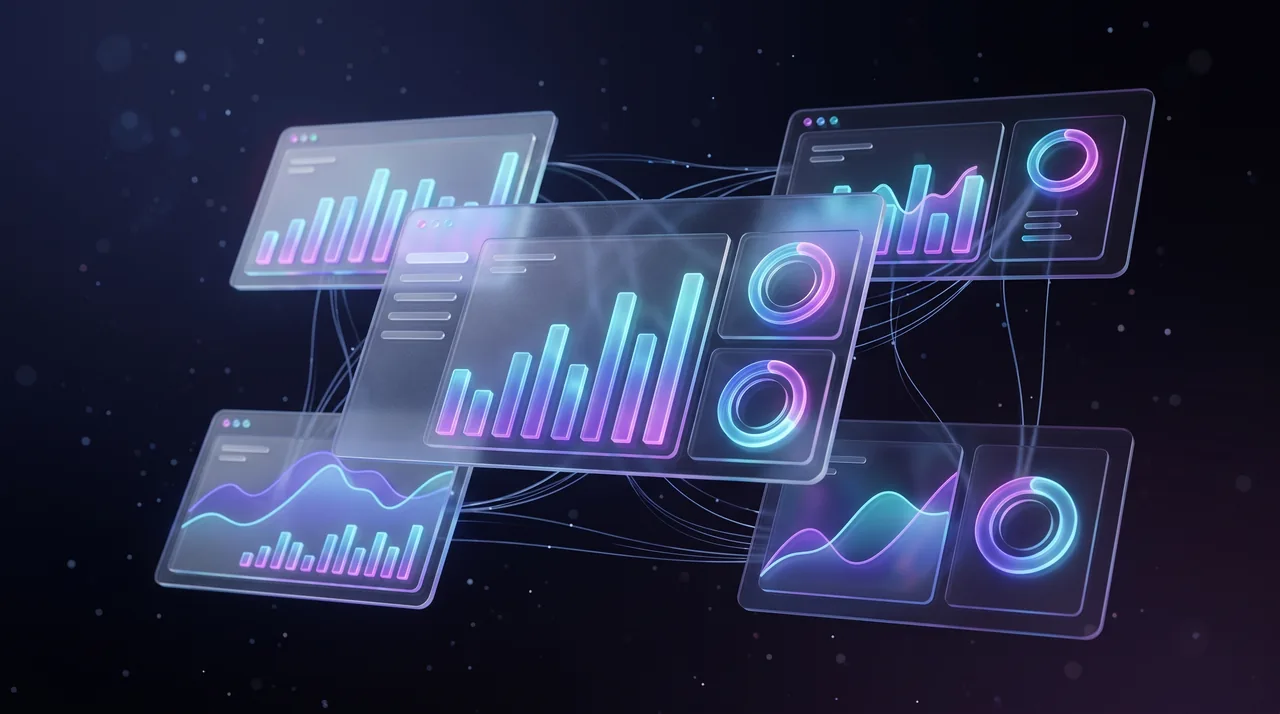
See the event live and report on it afterwards
Watch a live dashboard during the event — registrations, arrivals, sessions, kiosk feedback — then get a post-event report on attendance, engagement, revenue and outcomes against targets.

Burdenoff Ecosystem
Run the event’s project plan in PlanMagnet
Connect an event’s workstreams and milestones to PlanMagnet, the Burdenoff project-management product, for timelines, resourcing and dependencies — without leaving the event.

Burdenoff Ecosystem
Promote the event and nurture attendees with HeadshotMarketing
Connect the event to HeadshotMarketing, the Burdenoff product for marketing and CRM, to run promotion campaigns, track where registrations came from and follow up with every attendee and lead.

Burdenoff Ecosystem
Connect the event to the rest of your stack
Use Burdenoff products for each specialist job — FluidGrids for automation, BigConsole for reporting, AssetHandler for equipment — and sync registrations, payments and calendars with your own systems through connectors and the API.

Platform & Governance
Run a whole calendar of events from one workspace
Manage every event your organisation runs in one workspace — shared templates, reusable vendors, guest history and reporting across the whole programme.

Platform & Governance
Give every person exactly the access they need
Assign roles so organisers, staff, volunteers, vendors, co-hosts and kiosks each see and do exactly what their job needs — and every action is recorded.

Platform & Governance
Automate the routine work around every event
Save your event workflow as a template and automate the routine — when a registration is confirmed, a milestone is late or a kiosk answer arrives, the right action runs.
See your scenario here?
Bring your own event to EventfullyManaged — describe it, bring your team and vendors into the plan, invite guests and run it end to end.