Premiere Guest List and Press Accreditation
Cast, crew, press and creators on one premiere guest list, with seats, plus-ones, accreditation and embargo terms tracked per guest.
These images are illustrations of the concept, not screenshots of the actual product.
Overview
Premiere Guest List and Press Accreditation is an EventfullyManaged concept for studios and streamers launching a title with a premiere and screening. It brings every invited group onto one guest list: cast and crew with their plus-ones, press who need accreditation and must acknowledge an embargo, creators invited from the marketing team's outreach, and partners. Each guest carries a group, a seat or zone allocation and an RSVP state.
In media and entertainment, a premiere guest list is often split between a publicist's spreadsheet, a press office inbox and a separate list of creators from the marketing team. Seats get allocated twice, a journalist arrives without approved accreditation, or a creator walks the carpet without having acknowledged the review embargo. The concept is designed to hold all of those terms against each guest in one place, so the team at the door works from the same list as the publicist.
The illustrated page sits under Registration and is titled for a sample premiere and screening, with the date, time and cinema screen shown as chips beside Add guest and Send passes buttons. Four tiles count guests invited, confirmed, press accreditations pending and seats left. Tabs filter the list to all guests or to cast and crew, press, creators or partners. The table gives each guest a group, an allocation such as a row and seat, a press-line spot, a red-carpet slot or a screening place, a plus-one flag, an accreditation state, an embargo state of acknowledged or not signed, and an RSVP badge of confirmed, pending or declined. A Press accreditation panel lists pending requests with their allocations and Approve buttons, above a note that reviews are embargoed until a set date and time. A Live premiere stream card shows a scheduled HookMovies stream with its start time and the number of red-carpet cameras. Guests and figures are sample data.
The concept builds on EventfullyManaged's registration, QR passes for check-in at named stations and capacity tracking, and it is designed to work with other Burdenoff products. Creators are designed to be invited from an outreach list in HeadshotMarketing, and the illustration tags one creator's row with the HeadshotMarketing creator list it came from. The stream card is designed to show the HookMovies live premiere stream for remote audiences. After the night, the design envisions check-in totals flowing through a FluidGrids workflow into a BigConsole launch console beside campaign results, so the team can see which invited creators attended and posted.
What this concept shows
- Headline tiles for guests invited, confirmed, press accreditations pending and seats left
- Tabs for all guests, cast and crew, press, creators and partners
- Per-guest allocation by seat, press-line spot, red-carpet slot or screening place
- Plus-one, accreditation and embargo acknowledgment columns in the guest table
- RSVP badges for confirmed, pending and declined guests
- Press accreditation queue with Approve buttons and the date the review embargo lifts
- Creator rows tagged with the HeadshotMarketing outreach list they came from
- Live premiere stream card for a scheduled HookMovies stream, with the number of red-carpet cameras
How it works
- Set up the premiere with its date, time and screen, then add guests by group with Add guest.
- Bring in creators from the HeadshotMarketing outreach list, keeping the list they came from on each row.
- Allocate seats, press-line spots and red-carpet slots, and record plus-ones.
- Approve pending press accreditations and track which guests have acknowledged the embargo.
- Send passes to confirmed guests and watch seats left as RSVPs come in.
- Schedule the HookMovies live premiere stream for remote audiences.
Who it's for
- Film and TV publicists
- Studio and streaming marketing leads
- Premiere and event producers
- Talent relations teams
- Press office managers
Illustrations
1 illustration of this concept. Select one to view it full size.
Premiere Guest List with Press Accreditation
This illustration shows a premiere and screening page for a sample film, with Registration selected in a left navigation that also lists Kiosk, Communication and Analytics among other areas. Chips give the date, time and cinema screen, beside Add guest and Send passes buttons. Four tiles count guests invited, confirmed, press pending and seats left. Tabs filter by all, cast and crew, press, creators and partners. The guest table has name, group, allocation, plus-one, accreditation, embargo and RSVP columns, with allocations such as a row and seat, a press-line spot, a red-carpet slot or a screening place. One press row is highlighted as pending, and a creator row carries a tag naming the HeadshotMarketing creator list it came from. A Press accreditation panel lists pending requests with Approve buttons and notes when the review embargo lifts. A Live premiere stream card shows a scheduled HookMovies stream, its start time and red-carpet cameras. All names are sample data.
Topics
- film premiere guest list
- press accreditation management
- red carpet guest management
- screening RSVP tracking
- review embargo acknowledgment
- premiere seating allocation
- creator premiere invites
- studio event management
- press line management
- premiere live stream
Related concepts
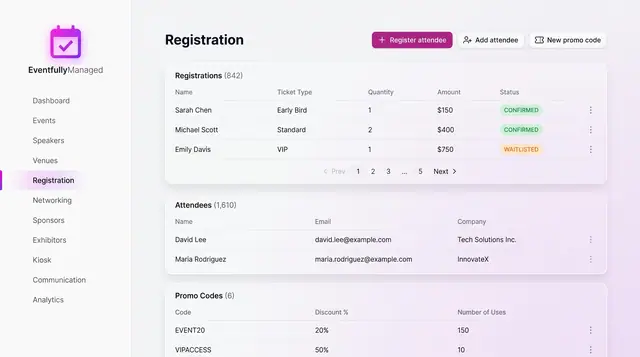
Registration and Attendee Sign-Up
See registrations and attendees in one place, and sign people up through a guided flow with ticket choice, promo codes and a total.
2 illustrations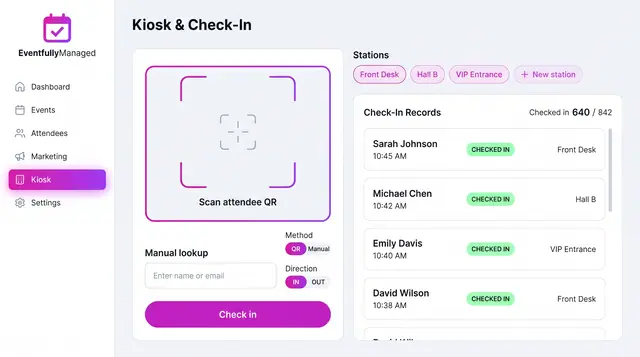
QR Check-In Kiosk
Scan attendee QR codes or look people up by name across named stations, with a live feed of check-ins against registrations.
1 illustration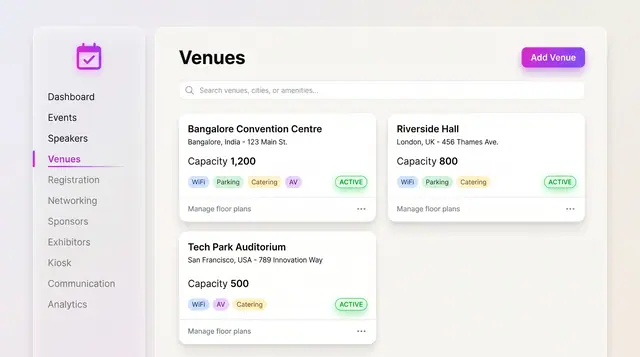
Venues and Floor Plans
Keep venues, capacities and amenities as records, then lay out stages, seating, booths and the registration desk on the plan.
2 illustrations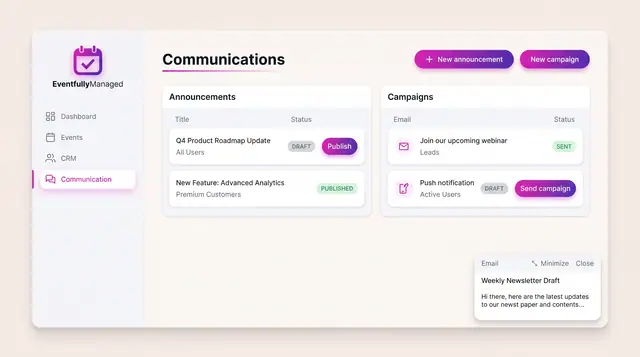
Announcements and Campaigns
Draft and publish announcements to chosen audiences and send email or push campaigns, with clear draft, published and sent states.
1 illustration
Part of an industry solution
This concept appears in a cross-product solution on burdenoff.com — see how it works alongside other Burdenoff products to solve a problem in that industry.