Match-Day Gate and Concourse Console
Gate scans, season-pass entries, stewards and concourse orders for one home fixture on a single match-day screen.
These images are illustrations of the concept, not screenshots of the actual product.
Overview
Match-Day Gate and Concourse Console is an EventfullyManaged concept for the match-day operations lead at a sports club that hosts ticketed home fixtures or tournaments. It brings entry, stewarding and the concourse onto one match-day screen: fans scanned in against capacity, season-pass holders through the gates, walk-up sales, each gate's pace and wait, and the orders building at the club's food, drink and merchandise outlets.
At a club ground, the hour before kickoff decides how the day goes. Queues build at one gate while another is quiet, stewards radio in their own estimates, and an outlet runs short of stock just as half-time arrives. Ticketing, gate scanning and concourse sales usually live in separate systems, so the operations lead pieces the picture together from several screens and phone calls. The concept is designed to put those signals side by side while there is still time to act.
The illustrated Match-day console, opened from Kiosk in the navigation, names a sample women's cup quarter-final with the kickoff time and a clock, and a chip notes that the fixture was synced from AthleteBridge. Four tiles show fans scanned in against capacity, season-pass entries against passes sold, walk-up sales and gates open. The Gate stations table lists each gate with scans per minute, an estimated wait, the steward on the post and a busy or OK status, with a note that the wait is estimated from the scan rate and Open overflow lane and Message stewards buttons beneath. A Concourse panel lists the club's Kadaikodi outlets, a tea hut, a clubhouse bar and a club shop, with open orders, ready times, half-time pickups and a low-stock flag. A half-time card gives the time of the break and a pickup reminder scheduled shortly before it, set to go out through announcements, with an on switch, and a capacity bar runs along the foot. Teams, stewards and figures are sample data.
The console builds on EventfullyManaged's QR check-in stations, ticketing, capacity tracking and announcements, and it is designed to work with two other Burdenoff products. The event is designed to be created from the AthleteBridge fixture as soon as the fixture is set, so opponent, kickoff and venue arrive already filled in and tickets can go on sale weeks ahead. The concourse panel is designed to read the club's Kadaikodi outlets, and the half-time reminder is designed to use the fixture's half-time to schedule a pickup message to ticket holders.
What this concept shows
- Fixture header with the teams, competition round and kickoff time, synced from AthleteBridge
- Tiles for scans against capacity, season-pass entries against passes sold, walk-up sales and gates open
- Gate stations table with scans per minute, estimated wait, steward on post and busy or OK status
- Estimated wait worked out from each gate's scan rate
- Open overflow lane and Message stewards actions for a busy gate
- Concourse panel of Kadaikodi outlets with open orders, ready times, half-time pickups and low-stock flags
- Half-time pickup reminder scheduled to go out through announcements, with an on switch
- Capacity bar showing how full the ground is
How it works
- Create the match-day event from the AthleteBridge fixture, so opponent, kickoff and venue arrive filled in.
- Put tickets and season passes on sale weeks ahead of the fixture.
- As the gates open, watch scans, season-pass entries and walk-up sales against capacity.
- Spot a busy gate from its scan rate and estimated wait, then open an overflow lane or message stewards.
- Check the Kadaikodi concourse outlets for open orders, ready times and low-stock flags.
- Let the half-time pickup reminder go to ticket holders through announcements.
Who it's for
- Match-day operations leads
- Stadium and ground safety officers
- Stewarding supervisors
- Club ticketing managers
- Concourse and hospitality managers
Illustrations
1 illustration of this concept. Select one to view it full size.
Match-Day Console with Gates and Concourse
This illustration shows a Match-day console with Kiosk selected in the left navigation. The header names a sample women's cup quarter-final, shows the time and a kickoff chip, and notes that the fixture was synced from AthleteBridge. Four tiles give scanned in against capacity, season passes against passes sold, walk-up sales and gates open. The Gate stations table lists north, south, family and away gates with scans per minute, estimated wait, the steward on post and a status, the busiest gate marked busy and the rest OK, above a note that waits are estimated from scan rate and Open overflow lane and Message stewards buttons. A Concourse panel lists Kadaikodi outlets, a tea hut flagged low on pies, a clubhouse bar and a club shop, with open orders and ready or pickup times. A half-time card holds a pickup reminder set to go out via announcements, with an on switch, and a capacity bar fills the foot. All figures are sample data.
Topics
- match day operations software
- stadium gate scanning
- season pass entry tracking
- steward deployment
- gate queue wait time
- concourse food ordering
- sports ticketing check-in
- club match day console
- half-time pickup orders
- tournament gate management
Related concepts
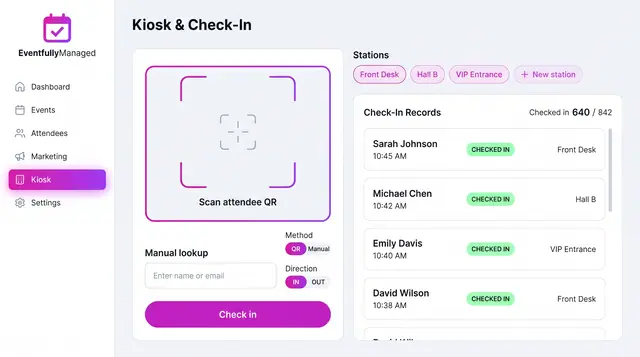
QR Check-In Kiosk
Scan attendee QR codes or look people up by name across named stations, with a live feed of check-ins against registrations.
1 illustration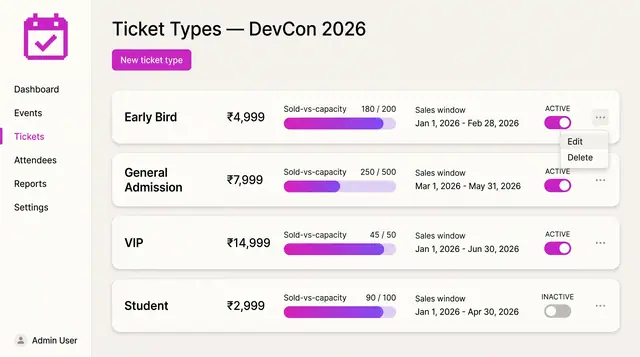
Ticket Tiers and Promo Codes
Define ticket tiers with prices, capacity and sales windows, then add percentage or fixed promo codes with usage caps.
2 illustrations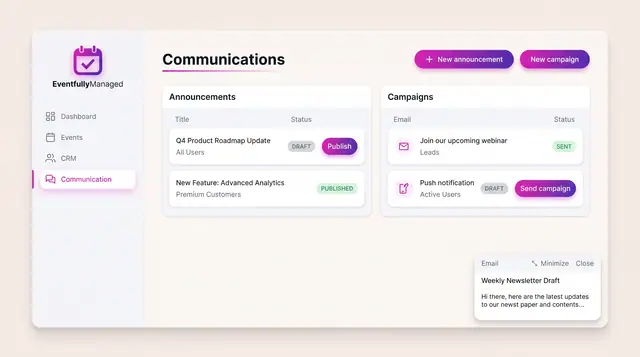
Announcements and Campaigns
Draft and publish announcements to chosen audiences and send email or push campaigns, with clear draft, published and sent states.
1 illustration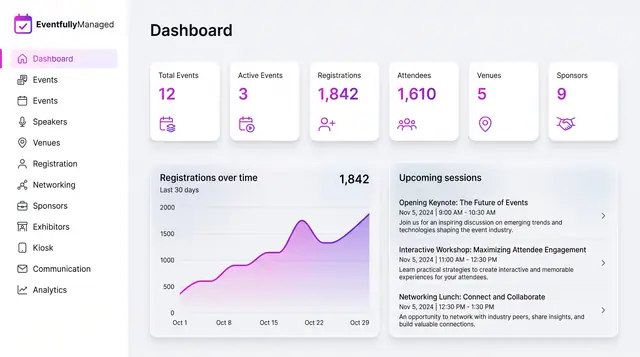
Organizer Dashboard in Light and Dark
One home screen with portfolio totals, a registration trend and the sessions coming next, designed to read the same in light or dark.
2 illustrations
Part of an industry solution
This concept appears in a cross-product solution on burdenoff.com — see how it works alongside other Burdenoff products to solve a problem in that industry.