
Announcements and Campaigns
Draft and publish announcements to chosen audiences and send email or push campaigns, with clear draft, published and sent states.
These images are illustrations of the concept, not screenshots of the actual product.
Overview
Keeping people informed is constant work before, during and after an event: confirmations, reminders, schedule changes, partner news and follow-ups. When those messages are written in one tool and sent from another, it is hard to know what went out, to whom and what is still waiting. This concept gathers announcements and campaigns on one Communications page so the team can see every message and its state in one place.
The illustration shows two side-by-side panels. Announcements lists messages by title, with the audience they target underneath, such as all users or a premium customer group in the sample data, and a status badge. A draft announcement carries a Publish button, while a published one simply shows its state. Campaigns lists outbound sends with a channel icon that separates email from push notifications, along with the audience, such as leads or active users, and a status. A sent email campaign is marked as sent, and a draft push campaign offers a Send campaign button.
Header actions let the team start a New announcement or a New campaign. A compact email composer floats in the lower right corner with Minimize and Close controls and shows a newsletter draft in progress, so a message can be written while both lists stay visible.
The concept is designed to connect communications to the rest of the event record, so the audiences a team targets can reflect real registrations, attendees and leads rather than exported lists. It complements networking and check-in by keeping attendees informed about what is happening and where, and it gives organizers a clear record of what was published or sent.
What this concept shows
- Announcements list with titles, target audiences and status badges
- Draft and published states, with a Publish action on drafts
- Campaigns list covering email and push notification channels
- Sent and draft campaign states, with a Send campaign action on drafts
- Audience labels such as all users, leads and active users
- New announcement and New campaign actions in the header
- Floating email composer that can be minimized or closed
How it works
- Open Communication from the navigation to see announcements and campaigns side by side.
- Select New announcement or New campaign to start a message.
- Write the content in the email composer, minimizing it to check the lists as needed.
- Check the audience shown under each message before it goes out.
- Publish a draft announcement or send a draft campaign.
- Confirm that the status changes to published or sent.
Who it's for
- Event marketing teams
- Attendee communications managers
- Event organizers
- Community managers
Illustrations
1 illustration of this concept. Select one to view it full size.
Communications with Announcements and Campaigns
This illustration shows the Communications page, with Communication selected in a short left navigation that also lists Dashboard, Events and CRM. Two header buttons offer New announcement and New campaign. The Announcements panel has Title and Status columns; sample rows show an update aimed at all users, marked as a draft with a Publish button, and a feature announcement for a premium customer group, marked as published. The Campaigns panel lists sends with a channel icon, including an email invitation to a webinar targeted at leads and marked as sent, and a push notification for active users in draft with a Send campaign button. In the lower right corner, a compact email composer with Minimize and Close controls shows a weekly newsletter draft with the opening lines of its body. The design keeps every message and its state visible at once.
Topics
- event announcements
- event email campaigns
- push notifications for events
- attendee communications
- event newsletter
- segmented event messaging
- publish event updates
- send campaign to leads
- event marketing tool
- attendee reminders
Related concepts
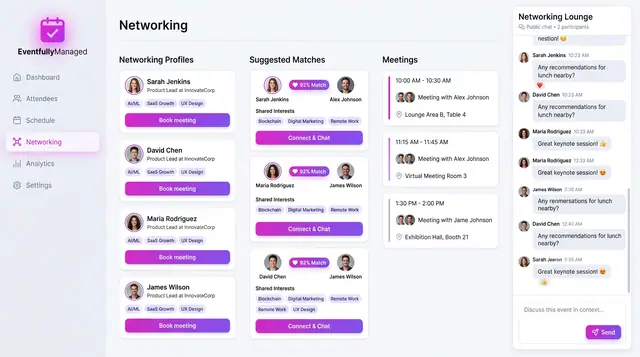
Networking and Attendee Matchmaking
Attendees opt into profiles, the concept suggests scored matches with reasons, and people book meetings and chat in a shared lounge.
2 illustrations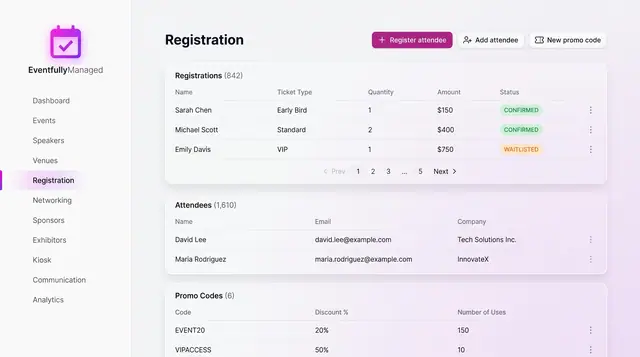
Registration and Attendee Sign-Up
See registrations and attendees in one place, and sign people up through a guided flow with ticket choice, promo codes and a total.
2 illustrations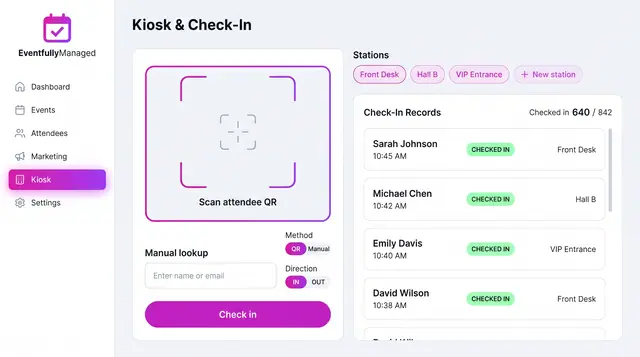
QR Check-In Kiosk
Scan attendee QR codes or look people up by name across named stations, with a live feed of check-ins against registrations.
1 illustration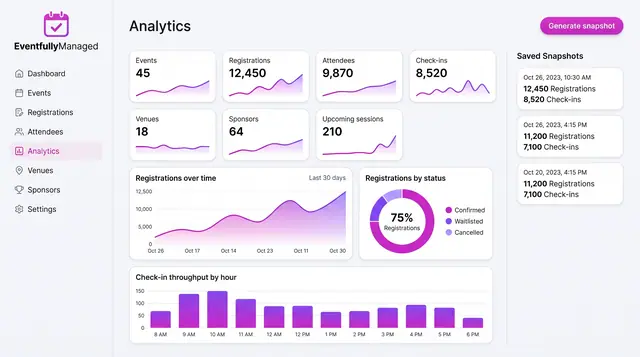
Analytics, Forecasts and Anomaly Watch
Track live event metrics, save point-in-time snapshots, and preview how forecasts and check-in alerts could build on them.
3 illustrations