Festival Volunteer Station Board
Every festival station, shift and volunteer on one site plan, with uncovered stations flagged before the gates open.
These images are illustrations of the concept, not screenshots of the actual product.
Overview
Festival Volunteer Station Board is an EventfullyManaged concept for cultural associations, heritage groups and faith communities that stage a festival day with volunteers. It places each volunteer station on the site plan, from the welcome gate and shoe stand to the community kitchen, procession marshals, first aid, the accessibility desk and lost and found, and lists every shift with how many volunteers it needs, how many are assigned and how check-in is going.
Festival volunteers are often organized through group chats and sign-up sheets. Organizers copy names into a spreadsheet, discover on the morning that a station has no one on it, and rely on memory to know who holds a first-aid certificate. The concept is designed to show those gaps before the gates open and to suggest who can fill them, working from a roster the volunteers built themselves rather than one re-keyed by hand.
The illustrated board is titled for a sample lantern walk, with the date and hours beside it. A banner states that the roster comes from a ComradeCircle festival volunteers circle and how many members are going. Three figures follow: volunteers, shifts filled out of the total, and the hall's capacity with QR check-in at the door. A map of a riverside park traces the procession route as a dotted line and drops numbered pins for seven stations along the route beside a community hall, with the kitchen pin in amber and the accessibility desk in red. The Shifts table lists stations with their shift hours and the volunteers needed and assigned, with a status under Checked in: short by two at the kitchen, uncovered at the accessibility desk and certified three of three at first aid. With the uncovered row selected, a Suggested fill card names a volunteer who is first-aid certified and free for that shift, with Assign and Message in ComradeCircle buttons. Names and figures are sample data.
The board builds on EventfullyManaged's venues and floor plans, schedules and QR check-in. It is designed to work with ComradeCircle, another Burdenoff product: the roster is designed to come from a ComradeCircle volunteer circle where members RSVP to shifts, and a suggested fill is designed to send its message back through that circle. On the day, volunteers are designed to check in at the same QR stations as visitors, and the hall door's session check-in is designed to show how close the performance is to its capacity.
What this concept shows
- Roster banner showing the volunteer list comes from a ComradeCircle circle, with the number going
- Headline figures for volunteers, shifts filled out of the total and hall capacity with QR check-in at the door
- Site plan with numbered station pins along a dotted procession route
- Stations below minimum shown in amber or red on the map and in the shifts table
- Shifts table with station, hours, volunteers needed, assigned and check-in status
- Skills such as first-aid certification shown against the station that needs them
- Suggested fill naming an available, qualified volunteer with a one-step Assign
- Message in ComradeCircle to contact a volunteer through the circle they joined
How it works
- Bring in the festival roster from the ComradeCircle volunteer circle where members RSVP to shifts.
- Place each station on the site plan and set its shifts and the number of volunteers needed.
- Scan the board for amber and red stations that are short or uncovered.
- Select an uncovered station to see a suggested fill with the right skills and a free slot.
- Assign the volunteer in one step, or message them through ComradeCircle first.
- On the day, check volunteers in at the QR stations alongside visitors and watch the hall door against its capacity.
Who it's for
- Festival and community event organizers
- Volunteer coordinators
- Cultural and heritage association committees
- Faith community event teams
- Safety and accessibility leads
Illustrations
1 illustration of this concept. Select one to view it full size.
Volunteer Stations on the Festival Site Plan
This illustration shows a volunteer stations board for a sample lantern walk, with the date and hours in the header and Events selected in the left navigation. A banner reads that the roster comes from a ComradeCircle festival volunteers circle, with a count of members going. Three figures give volunteers, shifts filled out of the total and hall capacity with QR check-in at the door. A map of a riverside park shows a dotted procession route and seven numbered pins: welcome gate, shoe stand, community kitchen, procession marshals, first aid, accessibility desk and lost and found, with the kitchen in amber and the accessibility desk in red. The Shifts table lists station, shift, needed, assigned and checked in, showing a kitchen short by two, an uncovered accessibility desk and first aid certified three of three. A Suggested fill card names a first-aid certified volunteer free for the shift, with Assign and Message in ComradeCircle buttons. Names and figures are sample data.
Topics
- festival volunteer management
- volunteer shift scheduling
- volunteer station map
- community festival planning
- volunteer roster RSVP
- uncovered shift alerts
- faith festival volunteers
- cultural event volunteer board
- first aid volunteer coverage
- procession marshal scheduling
Related concepts
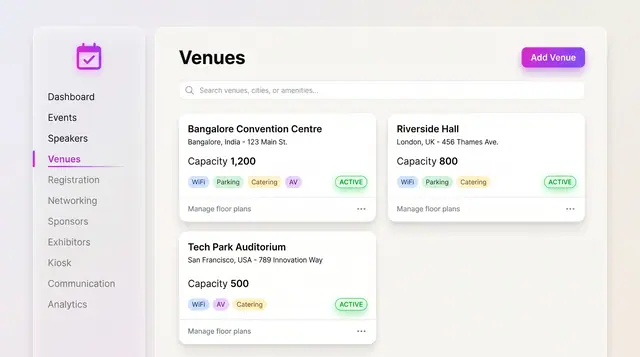
Venues and Floor Plans
Keep venues, capacities and amenities as records, then lay out stages, seating, booths and the registration desk on the plan.
2 illustrations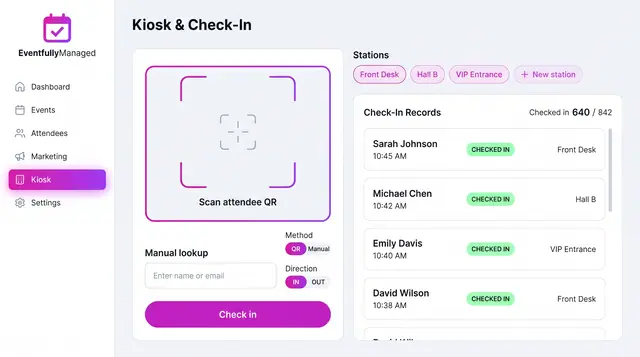
QR Check-In Kiosk
Scan attendee QR codes or look people up by name across named stations, with a live feed of check-ins against registrations.
1 illustration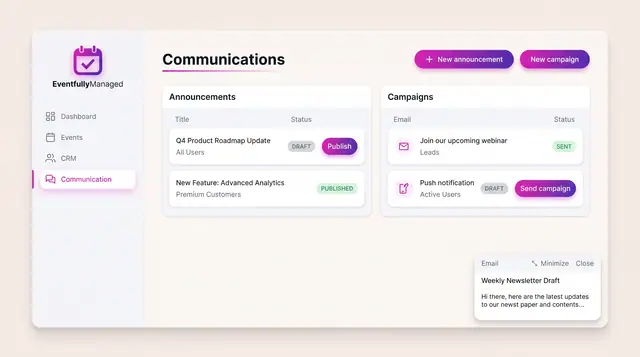
Announcements and Campaigns
Draft and publish announcements to chosen audiences and send email or push campaigns, with clear draft, published and sent states.
1 illustration
Part of an industry solution
This concept appears in a cross-product solution on burdenoff.com — see how it works alongside other Burdenoff products to solve a problem in that industry.