Campus Career Fair and Demo Day
Employers, booths, interview slots and capstone showcases on one event record, with skill evidence beside each suggested student.
These images are illustrations of the concept, not screenshots of the actual product.
Overview
Campus Career Fair and Demo Day is an EventfullyManaged concept for career services teams at colleges and universities, and for bootcamp programs, that run career fairs, employer days and project demo days. It takes the building blocks of EventfullyManaged's event model, exhibitors with booths and leads, sessions, registration, QR check-in and opt-in attendee matchmaking, and applies them to hiring, so employers, their booths, interview slots and student capstone presentations share one event record.
In education, a career fair is often run from a spreadsheet of employers, a separate sign-up sheet for interviews and a printed program for demo day. Hiring partners arrive knowing little about the students they will meet beyond a résumé, and career coaches struggle afterward to see which conversations became interviews. The concept is designed to give employers evidence of skill before the conversation starts, while showing only the profiles of learners who chose to take part.
The illustrated Employers page sits under Exhibitors in the navigation and is scoped to a sample fall demo day and employer showcase chosen from a dropdown, with a New Employer button. A summary line counts employers, booths, interview slots and learners who opted in. The table lists each employer with a booth code, the role it is hiring for, a confirmed or invited status, interview slots booked out of those offered, with a Full tag when none remain, and a lead count. Below, a Capstone showcase strip gives each student's presentation time, name and project title. With one employer selected, a Suggested students panel, headed by a note that only learners who opted in to share their profile appear, shows cards with a match percentage, certificates, a hackathon placing or a count of problems solved, and a Book interview button. Employers, students and figures are sample data.
The concept builds on EventfullyManaged's exhibitor booths, agenda sessions and attendee matchmaking, and it is designed to work with two other Burdenoff products. Student cards are designed to carry certificates verified through TechnoSpam and hackathon results, or certificates earned in BuildMyIQ, so a hiring partner can check the evidence behind a match before booking time with a student. Interview bookings and employer notes are designed to stay on the event record, where the career coach can review them once the fair is over.
What this concept shows
- Employers table with booth code, role being hired for, confirmed or invited status, interview slots and leads
- Summary counts of employers, booths, interview slots and learners who opted in
- Interview slots shown as booked out of offered, with a Full tag when an employer has none left
- Suggested students for a selected employer, drawn only from learners who opted in to share their profile
- Match percentage on each student card, with certificates verified through TechnoSpam or earned in BuildMyIQ
- A hackathon placing or a count of problems solved shown as evidence of skill
- Book interview button on every suggested student card
- Capstone showcase strip with each student's presentation time and project title
How it works
- Choose the career fair or demo day from the event selector and add employers with New Employer.
- Give each employer a booth, the role it is hiring for and the interview slots it will offer.
- Follow invited employers until they confirm, and watch their interview slots fill.
- Schedule each learner's capstone presentation in the showcase strip.
- Select an employer to see suggested students who opted in, with their match and skill evidence.
- Book an interview from a student card, keeping the booking on the event record for the career coach.
Who it's for
- University and college career services teams
- Bootcamp and program directors
- Career coaches
- Employer and industry relations staff
- Hiring partners and campus recruiters
Illustrations
1 illustration of this concept. Select one to view it full size.
Employers, Interview Slots and Suggested Students
This illustration shows the Employers page, reached from Exhibitors in a left navigation that also lists Dashboard, Schedule, Attendees, Sponsors, Reports and Settings. A dropdown selects a sample fall demo day and employer showcase, beside a New Employer button. A summary line counts employers, booths, interview slots and learners who opted in. The table lists employers with booth codes, the role each is hiring for, such as data analyst, front-end developer or embedded intern, a confirmed or invited status, interview slots booked out of offered, one marked Full, and leads. With one employer highlighted, a Suggested students panel notes that only learners who opted in appear and shows three cards with a match percentage, certificates verified via TechnoSpam or from BuildMyIQ, a hackathon placing or problems solved, and Book interview. A Capstone showcase strip lists presentation times and project titles. All names and figures are sample data.
Topics
- career fair management software
- campus career fair
- demo day event platform
- employer booth assignment
- interview slot booking
- capstone showcase schedule
- student employer matching
- bootcamp hiring day
- verified skills certificates
- university employer relations
Related concepts
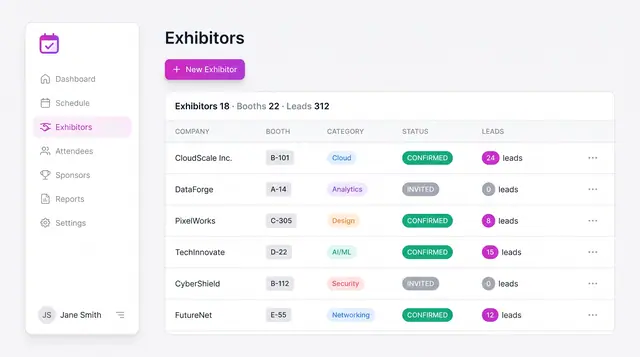
Exhibitor Booths and Sponsor Leads
Track exhibitors by booth, category and status, and manage sponsors by tier with contract value and progress toward lead targets.
2 illustrations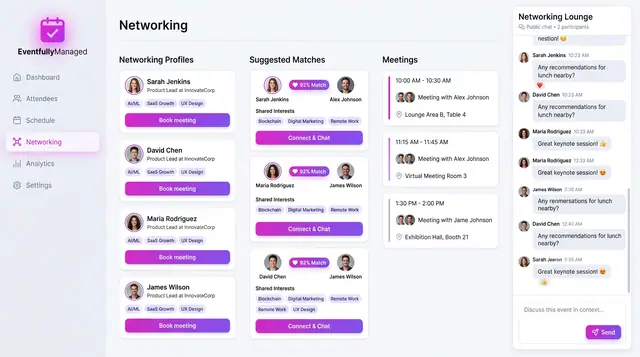
Networking and Attendee Matchmaking
Attendees opt into profiles, the concept suggests scored matches with reasons, and people book meetings and chat in a shared lounge.
2 illustrations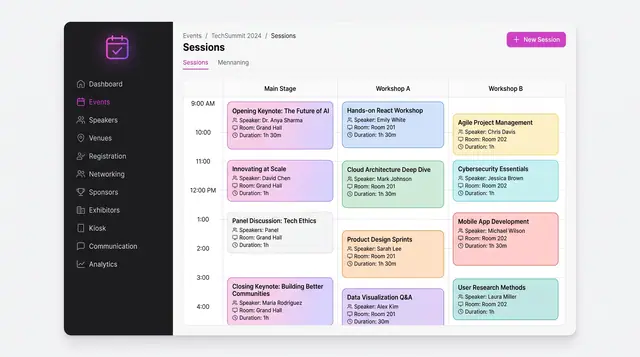
Agenda, Sessions and Speakers
A multi-track schedule grid, conflict checks raised while a session is being written, and a speaker roster that feeds both.
3 illustrations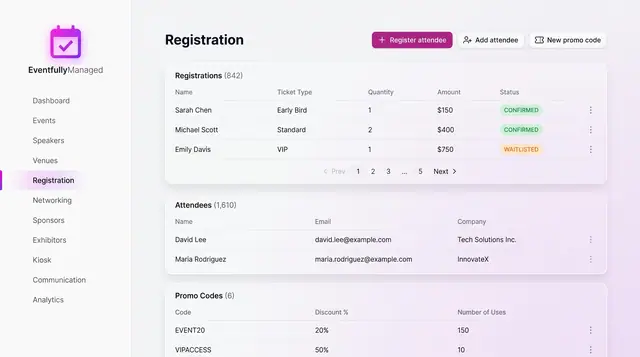
Registration and Attendee Sign-Up
See registrations and attendees in one place, and sign people up through a guided flow with ticket choice, promo codes and a total.
2 illustrations
Part of an industry solution
This concept appears in a cross-product solution on burdenoff.com — see how it works alongside other Burdenoff products to solve a problem in that industry.