
Agenda, Sessions and Speakers
A multi-track schedule grid, conflict checks raised while a session is being written, and a speaker roster that feeds both.
These images are illustrations of the concept, not screenshots of the actual product.
Overview
The agenda is the spine of an event. Sessions decide which rooms fill, which speakers are needed when, what attendees can choose from, and what gets measured afterward. This concept illustrates the three surfaces that build it: the track grid, the session form with its conflict panel, and the speaker roster.
Agendas usually come apart in the same two ways: two sessions land in one room at the same hour, or one speaker is promised to two places at once. On a spreadsheet those collisions are invisible until someone reads every row, or until the day itself. The design answers by checking the whole event's schedule while a session is being written, and by stating clearly that detection is read-only - it names the clash and leaves the decision to the organizer rather than quietly moving anything.
The grid view lays tracks across the columns and time down the left edge, with each session drawn as a colored block carrying its title, speaker, room and duration. Gaps between blocks are as informative as the blocks themselves: an empty cell is a free room or an unfilled slot. A breadcrumb keeps the event in view and a new-session action sits at the top right.
The session form takes the fields the grid needs - title, session type, track, venue, speaker, start and end times, capacity, status and description. Beside it, a conflicts panel reports what the form has collided with, tagging each entry by kind: a venue clash where two sessions overlap in one hall, and a speaker clash where one person is booked twice in overlapping slots. A compact day agenda underneath lists the times and rooms already committed, so a fix can be chosen without leaving the page.
The speaker roster is the supply side of the same agenda. Speakers appear as cards with a headshot, name, role and company, a one-line summary of their talk, and topic tags, all searchable, with an action for adding someone new - the pool the session form draws from. Every name, company and session title shown is sample data.
What this concept shows
- A multi-track agenda grid with tracks as columns and an hour-by-hour time axis
- Color-coded session blocks showing title, speaker, room and duration, with empty slots visible as gaps
- A new-session action and a breadcrumb that keeps the parent event in view
- A session form covering title, type, track, venue, speaker, start and end times, capacity, status and description
- A conflicts panel that checks across every session on the event and tags each finding as a venue or speaker clash
- An explicit note that detection is read-only, so nothing is rescheduled without the organizer
- A day agenda list beside the form showing the times and rooms already committed
- A searchable speaker roster of cards with headshots, roles, talk summaries and topic tags
How it works
- Open an event's sessions view and read the grid: tracks across the top, hours down the side, sessions as blocks.
- Spot the gaps - an empty cell is a free room, an unfilled hour or a track with nothing programmed.
- Start a new session and fill in its title, type, track, venue, speaker, times, capacity and status.
- Watch the conflicts panel as the fields are set: it names any venue overlap or double-booked speaker across the whole event.
- Compare the findings against the day agenda beside the form and change the room, the time or the speaker.
- Save the session once it is clean so it takes its place in the grid.
- Keep the speaker roster current - search it, add new speakers with their role, talk summary and topic tags, and draw from it on the next session.
Who it's for
- Conference program chairs and agenda owners
- Event producers scheduling multiple tracks
- Speaker managers and talent coordinators
- Operations staff assigning rooms and capacity
Illustrations
3 illustrations of this concept. Select one to view it full size.
Multi-Track Session Grid
A dark sidebar sits inside a light page frame, listing the console areas with events active. The content starts with a breadcrumb from events through a named event to its sessions, a page heading, a tab row and a new-session button at the top right. The agenda itself is a grid: three track columns headed as a main stage and two workshop rooms, with a time axis on the left running through the morning and into the afternoon. Sessions appear as rounded, color-coded blocks, each showing the talk title above small icon-led lines for the speaker, the room and the duration. Block heights follow the length of each session, and the empty cells between them read as free rooms or open slots. Titles, speakers and rooms are sample data.
New Session with Agenda Conflict Checks
A dark console with an extended sidebar and a top bar holding an organization switcher, a search field for events, attendees and venues, a notification bell and an avatar. A breadcrumb runs from events through a named event and its sessions to the new session. The left card collects the session fields in pairs: title and session type, track and venue, speaker, start and end date-times, capacity and status, then a description, closing with cancel and save buttons. The right column leads with a conflicts panel, headed with a count and a note that it checks every session on the event. Two findings are tagged by kind - one a venue overlap between two sessions in the same hall, the other a speaker booked across overlapping times - above a line stating that detection is read-only. A compact day agenda lists committed times and rooms below.
Speaker Roster
A light page headed for speakers, with a search field and an add-speaker button on the same line, and the speakers item highlighted in the sidebar. Nine cards fill a three-by-three grid. Each card places a circular headshot at the left of a name, with the person's role and company on the line beneath, a one-sentence summary of their talk or focus below that, and two rounded topic tags at the foot - subjects such as design, security, cloud, data, strategy and product. The cards are evenly weighted, so the roster reads as a set of comparable people rather than a ranked list. All names, companies, roles, portraits and summaries are sample data.
Topics
- conference agenda builder
- multi-track session schedule
- session conflict detection
- double-booked speaker
- room scheduling conflict
- speaker roster management
- session capacity
- event track planning
- add a session
- event program management
Related concepts
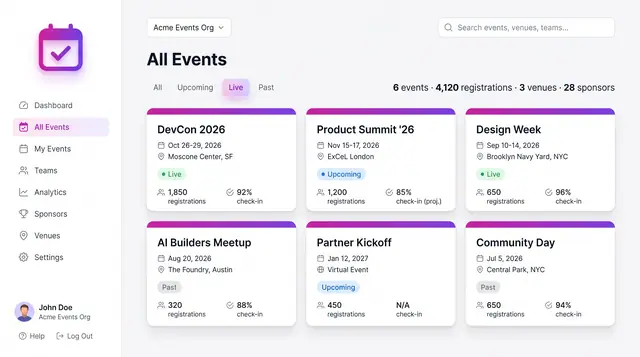
Event Portfolio and Event Setup
From an organization-wide portfolio down to one event's details: browse the calendar, create an event, then work from its overview.
4 illustrations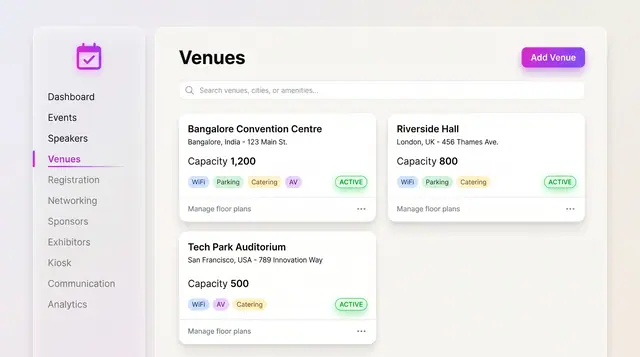
Venues and Floor Plans
Keep venues, capacities and amenities as records, then lay out stages, seating, booths and the registration desk on the plan.
2 illustrations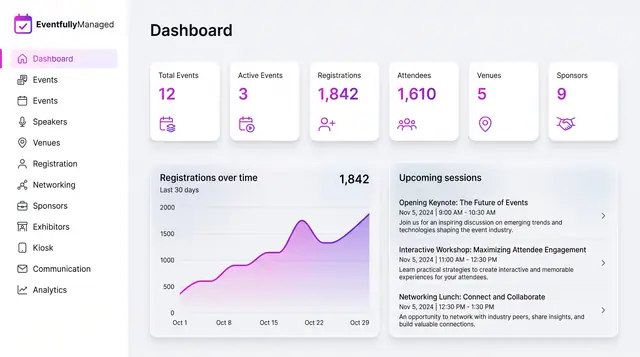
Organizer Dashboard in Light and Dark
One home screen with portfolio totals, a registration trend and the sessions coming next, designed to read the same in light or dark.
2 illustrations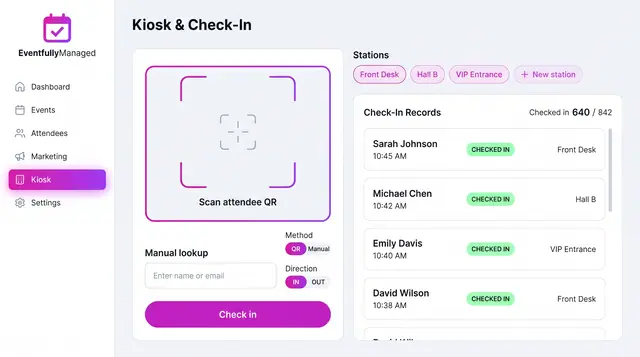
QR Check-In Kiosk
Scan attendee QR codes or look people up by name across named stations, with a live feed of check-ins against registrations.
1 illustration