
Exhibitor Booths and Sponsor Leads
Track exhibitors by booth, category and status, and manage sponsors by tier with contract value and progress toward lead targets.
These images are illustrations of the concept, not screenshots of the actual product.
Overview
Exhibitors and sponsors come to an event for one reason: to meet the right people and leave with pipeline. For organizers, that means keeping track of who has confirmed, where each company is placed on the floor, what each partnership is worth and whether partners are getting the leads they were promised. This concept brings those threads into two related views, so partner management runs on records rather than a pile of email threads.
The first illustration is an Exhibitors list. A summary line counts exhibitors, booths and leads, and a table shows each company with its booth code, a color-coded category tag, a status that separates confirmed exhibitors from those still invited, and a count of leads captured so far. Invited exhibitors show zero leads, which makes it easy to see who has not yet started engaging. A New Exhibitor button and per-row menus handle additions and changes.
The second illustration is a Sponsors view. A Portfolio row summarizes the total number of sponsors, their combined contract value and total leads. Below, Sponsor Tiers groups partners into Platinum, Gold, Silver and Community bands. Each sponsor card shows a logo mark, a tier badge, the contract value and a progress bar toward a leads target with a percentage, plus a View leads link. An Add Sponsor button sits at the top of the page.
Together, the views are designed to show organizers and partners the same story: what was sold, where it sits on the floor and what it has delivered. The concept envisions booth codes tying back to the venue floor plan and leads captured at booths being attributed to the right exhibitor or sponsor, giving the team a clear basis for renewal conversations after the event.
What this concept shows
- Summary counts of exhibitors, booths and leads
- Exhibitor table with booth code, category tag, status and lead count
- Confirmed and invited statuses for tracking exhibitor onboarding
- Sponsor portfolio tiles for total sponsors, contract value and leads
- Sponsors grouped into Platinum, Gold, Silver and Community tiers
- Per-sponsor progress bars toward a leads target, with a percentage
- View leads links alongside Add Sponsor and New Exhibitor actions
How it works
- Open Exhibitors to review booth assignments, categories, statuses and leads.
- Select New Exhibitor to add a company, or use a row menu to update one.
- Follow invited exhibitors until they are confirmed and start capturing leads.
- Switch to Sponsors to check portfolio totals for sponsors, contract value and leads.
- Review each tier's sponsor cards and their progress toward lead targets.
- Select View leads on a sponsor card to see the leads attributed to that partner.
Who it's for
- Sponsorship and partnership managers
- Exhibition and trade-show organizers
- Event sales teams
- Exhibitor and sponsor relations staff
Illustrations
2 illustrations of this concept. Select one to view it full size.
Exhibitors with Booths, Categories and Leads
This illustration shows the Exhibitors page with Exhibitors selected in a left navigation that also lists Dashboard, Schedule, Attendees, Sponsors, Reports and Settings, with a sample team member's profile at the bottom. A New Exhibitor button sits under the title. A card opens with a summary line counting exhibitors, booths and leads as sample figures. The table below has Company, Booth, Category and Status columns plus a Leads column. Booth codes appear as gray chips, and category tags such as cloud, analytics, design, AI/ML, security and networking are color-coded. Status badges separate confirmed exhibitors in green from invited ones in gray, and a lead badge shows each company's count, with invited exhibitors at zero. Every row ends with an overflow menu. The design makes it easy to spot who is on the floor and who is generating leads.
Sponsor Portfolio and Tiers with Lead Targets
This illustration shows the Sponsors page with Sponsors selected in a left navigation that also includes Dashboard, Events, Attendees, Speakers, Vendors, Reports and Settings. An Add Sponsor button sits at the top right. A Portfolio row holds three tiles with icons for total sponsors, contract value and leads, shown as sample totals. Below, a Sponsor Tiers heading with a note about managing partners by category introduces colored bands labeled Platinum, Gold, Silver and Community. Each band holds sponsor cards with a logo mark, company name, tier badge and contract value. A progress bar on every card tracks leads against a target, with the count and a percentage, and a View leads link opens the detail. Higher tiers show more progress in the sample data. The layout lets a partnerships team compare delivery across the whole sponsor roster.
Topics
- exhibitor management software
- booth assignment
- trade show exhibitor list
- sponsor tier management
- sponsorship contract value
- sponsor lead tracking
- exhibitor lead capture
- sponsor ROI
- event partner management
- platinum gold silver sponsors
Related concepts
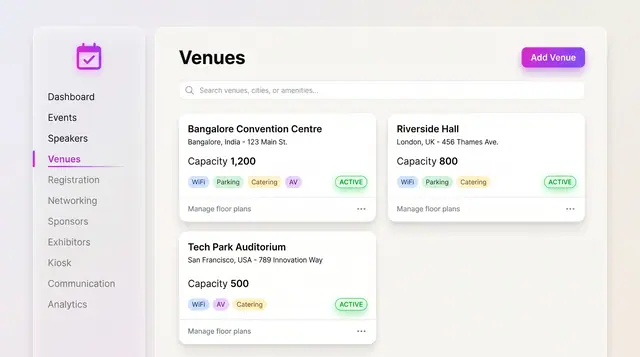
Venues and Floor Plans
Keep venues, capacities and amenities as records, then lay out stages, seating, booths and the registration desk on the plan.
2 illustrations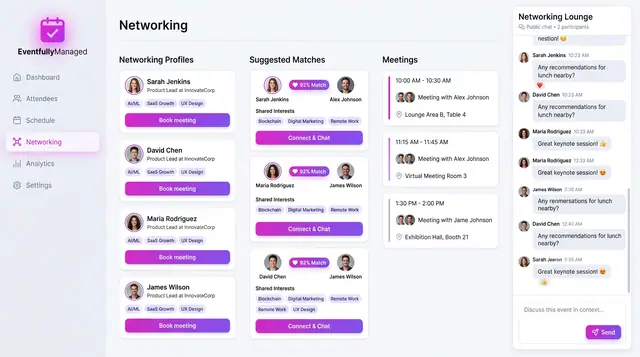
Networking and Attendee Matchmaking
Attendees opt into profiles, the concept suggests scored matches with reasons, and people book meetings and chat in a shared lounge.
2 illustrations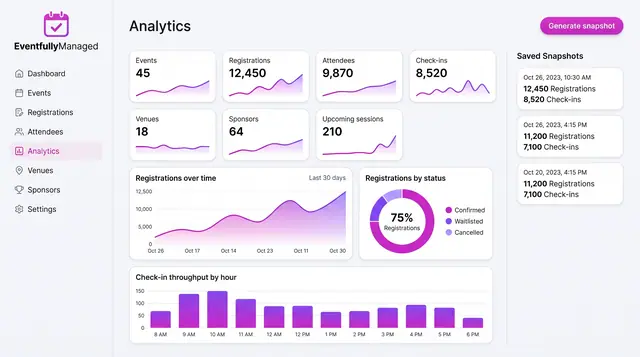
Analytics, Forecasts and Anomaly Watch
Track live event metrics, save point-in-time snapshots, and preview how forecasts and check-in alerts could build on them.
3 illustrations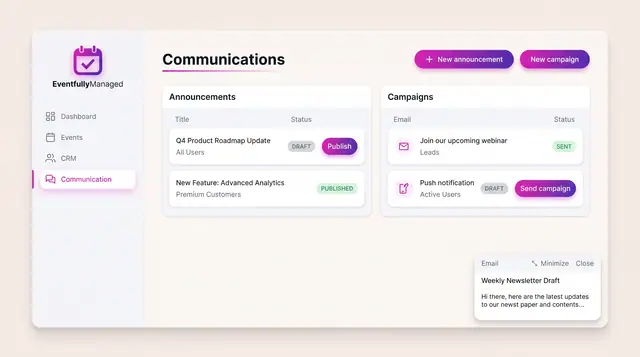
Announcements and Campaigns
Draft and publish announcements to chosen audiences and send email or push campaigns, with clear draft, published and sent states.
1 illustration