
Increase Event Efficiency with QR Code Check-In
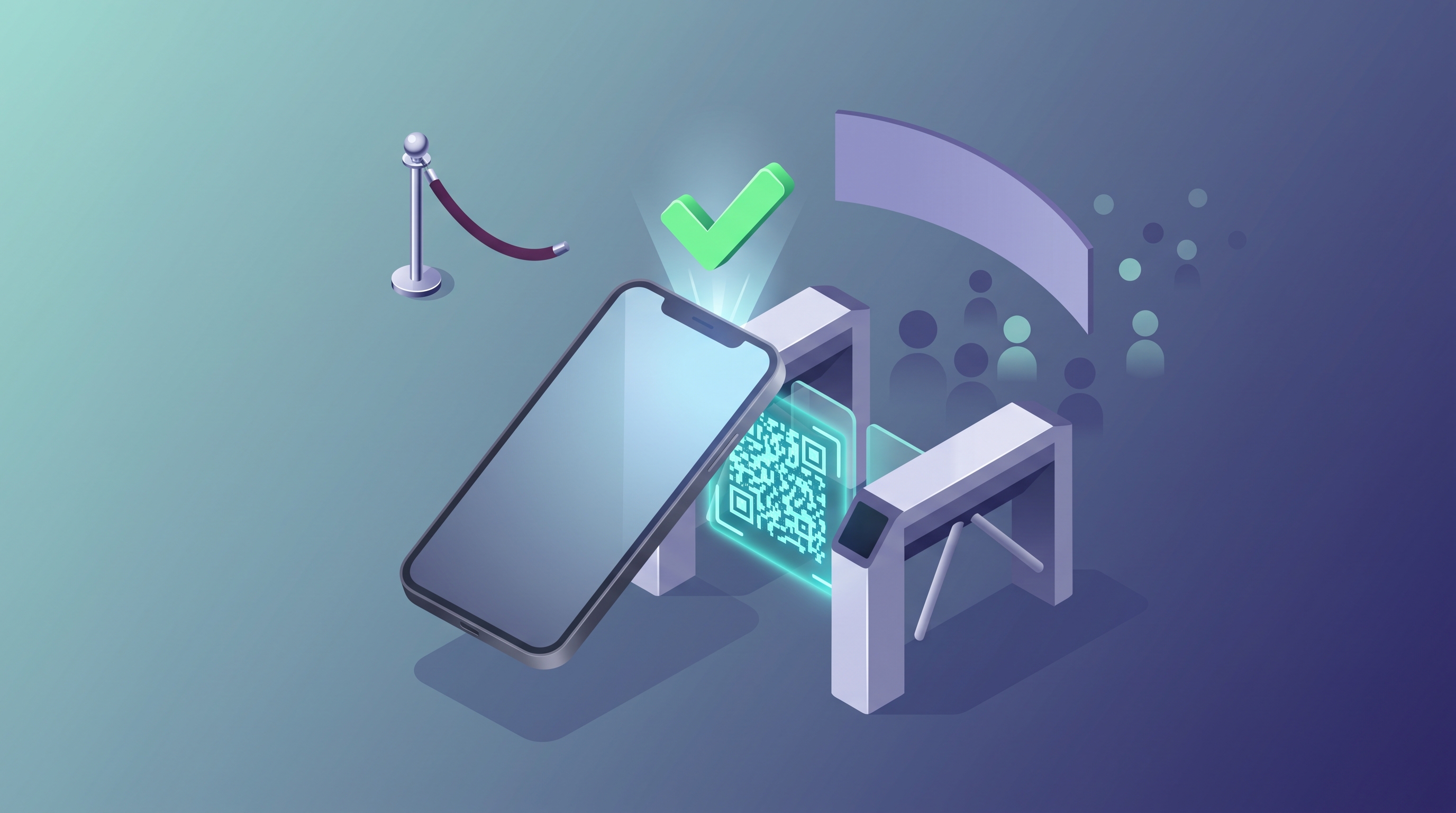
QR code check-in speeds up events by replacing paper lists and manual lookups with a single phone scan. The result is shorter lines, faster entry, and a live picture of who has actually arrived.
For any organizer who has watched a registration line snake out the door, that trade is easy to understand. This guide covers what QR check-in is, how it works inside a platform like EventfullyManaged, and how to run a smooth check-in process — from setup to the moment the doors open.
What Is QR Code Check-In?
A QR code is a small square barcode that a phone camera or scanner can read in a fraction of a second. For events, each attendee gets a unique QR code tied to their registration — usually delivered by email or shown in a mobile ticket. At the door, a staff member (or the attendee, at a self-service kiosk) scans the code, and the system instantly confirms the ticket and logs the arrival.
The technology itself isn't new. QR codes were invented in 1994 by Denso Wave, a Japanese manufacturing company, to track automotive parts faster than the barcodes of the time allowed (Denso Wave, "History of QR Code"). What changed is that every modern smartphone now has a camera capable of reading one instantly, which is what made QR codes practical for event check-in at any scale.
For event management, that combination — a unique code per attendee, read in under a second, on hardware everyone already owns — is what turns a slow front desk into a fast lane.
Why QR Check-In Boosts Event Efficiency
A manual check-in table means someone scans a printed list with their eyes, finds a name, and writes it down. That takes time, and time compounds fast when a hundred people arrive in the same ten minutes.
QR check-in changes the math in a few concrete ways:
- Shorter wait times. Scanning a code is faster than searching a paper list or spelling out a name over noise. One operational analysis of event check-in data, pooled across more than 1,200 events, found QR-based check-in cut average wait times by roughly 73% compared to paper-based processes (Micepad, "QR Code Event Check-in"). Your mileage will vary by event size and staffing, but the direction is consistent: scanning beats searching.
- Faster entry, more stations. Because each scan takes seconds, you can open more check-in lanes with the same headcount, and each lane moves faster.
- Fewer verification mistakes. A scan either matches a valid ticket or it doesn't — there's no misread handwriting or a name crossed off the wrong line.
- Less paper and printing. Attendee lists, printed rosters, and clipboard sign-in sheets go away. Attendees carry a digital badge instead of a stack of paper.
How QR Check-In Is Built to Work in EventfullyManaged
EventfullyManaged is an all-in-one event management platform built to bring registration, ticketing, agendas, check-in, and analytics into one connected record — so a check-in isn't a separate system bolted onto your registration list. It's built by Burdenoff and has been generally available since launching on 2026-08-19.
Here is how the check-in workflow is designed to work:
- Scan or type — either works. Staff scan the QR code from an attendee's phone or printed ticket, or type the attendee's ID or email if a phone is dead or a code won't scan. Either way, the arrival is recorded against the same attendee record used for registration and ticketing.
- Stations and directions. Staff pick a check-in station and a direction (in or out), so a large venue with multiple entrances still produces one clean, de-duplicated arrivals log instead of six separate ones.
- Live arrivals. Check-ins land on a live dashboard as they happen, so organizers can see the room filling in real time and open another lane before a line forms — rather than finding out about the bottleneck after it's already cost you twenty minutes.
- Session-level check-in. The same scanning workflow can check attendees into individual sessions, not just the front door, so organizers get a real record of who attended what. Capacity for each session is set as a plan today; automatic enforcement that closes a session once it's full is on the roadmap, not yet live.
- Kiosk self-check-in. A locked kiosk mode lets attendees check themselves in from any phone or tablet, no proprietary scanning hardware required — useful for supplementing staffed stations during a rush.
- Digital badge, not a print queue. Every attendee gets a QR-based digital badge for check-in and networking, so there's no printing line to manage on-site. On-demand physical badge printing is on the EventfullyManaged roadmap but not available yet — worth knowing if a printed badge is a hard requirement for your event today.
Because check-in writes back to the same attendee record used everywhere else on the platform, the post-event "who actually showed up" question answers itself instead of becoming a spreadsheet reconciliation project.
Setting Up a QR Check-In System for Your Event
Whichever platform you use, the setup steps look roughly the same:
- Confirm QR codes are on every ticket. Registration and ticketing should generate a unique code automatically and deliver it by email or in-app — attendees shouldn't have to request one separately.
- Plan your stations. Decide how many check-in lanes you need based on expected arrival volume in your busiest 15-minute window, not your average.
- Get devices ready. Any smartphone or tablet with a camera can usually scan — confirm the app or web check-in flow works on the actual devices your staff will use, not just a demo unit.
- Train staff and volunteers. Walk the team through scanning, the manual ID/email fallback, and what to do when a code won't scan (don't turn someone away — flag it and resolve it after they're in).
- Test before doors open. Run a handful of real test scans the morning of the event, on the actual Wi-Fi or cellular connection you'll be using, not just on office Wi-Fi the week before.
Best Practices for QR Check-In Success
A few habits separate a smooth check-in line from a stressful one:
- Tell attendees what to expect. A short line in your confirmation email — "bring your phone or your printed ticket, we'll scan you in" — prevents confusion at the door.
- Charge devices and bring backups. Scanning devices should be fully charged, and it's worth having one spare on hand per station.
- Have a fallback for connectivity gaps. Venues with weak Wi-Fi or cell signal are common. Confirm ahead of time whether your check-in tool can queue scans locally and sync once connectivity returns, and know the manual ID/email lookup as a backup either way.
- Take security seriously. Check-in touches personal data — names, emails, ticket tiers. Look for a platform that encrypts data in transit and at rest and scopes staff access by role, so a volunteer at the door can check people in without also having access to financial or admin data they don't need.
QR Check-In vs. Traditional Check-In Methods
| QR check-in | Paper list / spreadsheet | |
|---|---|---|
| Speed per attendee | Seconds, per scan | Slower — manual search each time |
| Setup cost | Software + devices you likely already own | "Free," but costly in staff time |
| Accuracy | Matches an exact ticket record | Prone to misreads and duplicate entries |
| Real-time visibility | Live arrivals as they happen | Only known after manual tallying |
| Scales to large crowds | Adds lanes without adding delay per lane | Gets slower as the line grows |
Traditional check-in isn't wrong for a 20-person meetup where everyone knows each other. It starts to break down once you're running triple-digit attendee counts, multiple entrances, or a schedule with named sessions — which is where QR check-in earns its keep.
What This Looks Like in Practice
Picture a 300-person conference with two entrances. Instead of two long paper-list lines, the team runs four QR check-in stations — two per entrance — plus a self-service kiosk for anyone comfortable scanning themselves in. Staff scan tickets off phones and printed confirmations; when someone's phone won't cooperate, a staffer types their email instead and moves them through without breaking the line's pace. The organizer watches arrivals climb on a live dashboard from the back of the room and adds a fifth station twenty minutes before the keynote, when the queue data shows a spike coming.
That's an illustrative walkthrough of the workflow EventfullyManaged is built to support — not a customer story. It's meant to show the shape of the system, not a claim about a specific event that has already run on it.
The Future of QR Code Check-In
QR check-in itself is a mature, well-understood technology at this point — the interesting evolution is what gets built around it: kiosk self-service, session-level attendance tracking, and tighter links between check-in data and post-event reporting. Digital wallet passes (Apple Wallet, Google Wallet) are also becoming a common companion to QR tickets across the events industry, letting attendees skip even opening an app to find their code.
On the EventfullyManaged roadmap specifically, on-demand physical badge printing and automatic session-capacity enforcement are the two check-in-adjacent features planned but not yet built. The core scan-to-arrival workflow, station management, live dashboard, and kiosk mode are the foundation the rest gets built on.
Frequently Asked Questions
What are the advantages of using QR codes for event check-in? QR check-in cuts wait times, removes the need for printed attendee lists, and gives organizers a live, accurate arrivals record instead of a paper tally reconciled after the fact.
How does a QR code check-in system work? Each attendee gets a unique QR code tied to their registration. Staff (or the attendee, at a kiosk) scan it at the door, and the system instantly verifies the ticket and logs the arrival against that person's record.
What equipment do I need for QR check-in? A smartphone or tablet with a working camera is usually enough — no dedicated scanning hardware is required. A reliable Wi-Fi or cellular connection helps, and it's smart to have a manual ID/email fallback ready regardless.
Is QR check-in secure? Look for a platform that encrypts attendee data in transit and at rest and restricts staff access by role, so check-in staff can verify arrivals without exposure to data they don't need. EventfullyManaged is built on encryption and role-based access controls inherited from its underlying platform.
Can QR check-in handle large crowds? Yes — because each scan is fast and independent, you can add check-in lanes to match crowd size without slowing down the line, which is harder to do with a single shared paper list.
Ready to see the rest of the platform QR check-in plugs into? Explore EventfullyManaged's features, browse how the workflow fits into real event scenarios on our use cases page, or sign up for EventfullyManaged to get started.